






Headline:
WAEC results released: Follow these steps to check your 2026 WASSCE result
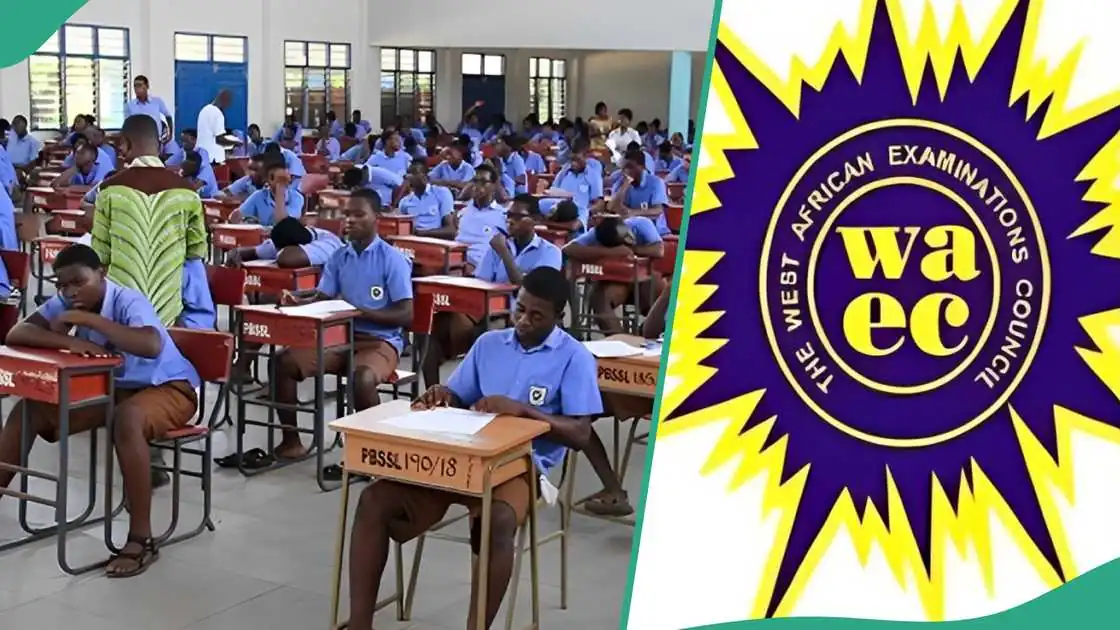
The West African Examinations Council (WAEC) has released the results of the 2026 West African Senior School Certificate Examination (WASSCE) for school candidates, with the examination body outlining the procedure for checking results online.
Candidates can access their results through the WAEC Result Checker portal after obtaining or recovering their result checker Serial Number and PIN.


Step 1: Obtain your Serial Number and PIN
Before checking your result, ensure you have:
- Your WAEC examination number
- WAEC Serial Number
- WAEC PIN
Candidates who do not have their Serial Number and PIN can recover them by:
- Visiting waec.org
- Clicking the “Serial Number and PIN” menu
- Selecting the 2026 examination year and the appropriate examination diet
- Entering their examination number and the National Identification Number (NIN) used during registration
- Providing an email address and phone number to receive a One-Time Password (OTP)
- Entering the OTP to generate the Serial Number and PIN
WAEC also allows candidates to download their WAEC ID card through the portal.

Step 2: Visit the WAEC result portal
Go to waecdirect.org using any internet-enabled device.
Step 3: Enter your examination number
Input your 10-digit examination number, comprising:
- Seven-digit centre number
- Three-digit candidate number
Step 4: Select the examination year
Choose 2026.
Step 5: Select the examination type
Select the appropriate examination type for your result.
Step 6: Enter your Serial Number and PIN
Input the Serial Number and PIN generated or recovered from the WAEC portal.
Step 7: Submit
Click Submit to view your result. Candidates can print or save the result for future reference.
Checking your result with the WAEC mobile app
Candidates may also access their results through the WAEC Result Checker App by:
- Downloading the app from the Google Play Store
- Entering their examination number
- Selecting the examination year
- Providing their Serial Number and PIN
- Clicking Submit to view and download the result
Checking your result via SMS
Candidates without internet access can check their results by sending an SMS in the following format:
WAECExaminationNumberPIN*ExaminationYear
For example:
WAEC4123456789123456789012*2026
The message should be sent to the official WAEC SMS number supported by the candidate’s mobile network. Standard SMS charges apply.
Understanding WAEC grades
WAEC grades are classified as follows:
- A1, B2, B3 – Distinction and Merit
- C4, C5, C6 – Credit passes
- D7, E8 – Ordinary passes
- F9 – Fail
Candidates seeking admission into most Nigerian universities are generally expected to obtain at least five credit passes, including English Language and Mathematics, with C6 being the minimum acceptable credit grade.
WAEC advised candidates experiencing issues with their results to submit complaints through its official channels or visit the nearest WAEC office for guidance on verification and review procedures.
 We do everything possible to supply quality news and information to all our valuable readers day in, day out and we are committed to keep doing this.
Your kind donation will help our continuous research efforts.
-Advertisement-

-Want to get the news as it breaks?-